


Is Your Wi-Fi Holding Your Business Back?
Few things grind productivity (and patience) to a halt faster than unreliable Wi-Fi. Whether it’s a dropped video call during a critical meeting, slow file transfers delaying projects, or frustrating dead zones in your office, poor Wi-Fi isn’t just an annoyance; it’s often a direct hit to the bottom line. Let’s unpack why Wi-Fi is

It Doesn’t Matter What Size Your Business Is, You Can Benefit from IT
Today, IT tools and services are essential for businesses of any size. They provide the direction, stability, and connectivity needed to thrive in an increasingly digital landscape… but what exactly are these “IT tools and services,” and why should they be a priority for your business, specifically? Simply put, they encompass the hardware, software, and

How to Get Your Team to Look Beyond the Rules for Your Cybersecurity
A strong cybersecurity posture isn’t just about installing the latest software or ticking boxes on a compliance checklist. It’s about building a culture of security where every member of your team is actively engaged and invested in protecting your collective digital well-being… but how do you achieve that buy-in, beyond simply mandating policies? It starts

3 Ways AI Can Change Your Operations for the Better
Artificial intelligence is becoming ubiquitous in the business technology sector and for good reason. It’s allowing small and medium-sized businesses to do more and compete with businesses that were previously just ahead of them. Today, we want to go over some (reasonably) easy ways you can use AI in your IT operations to make your
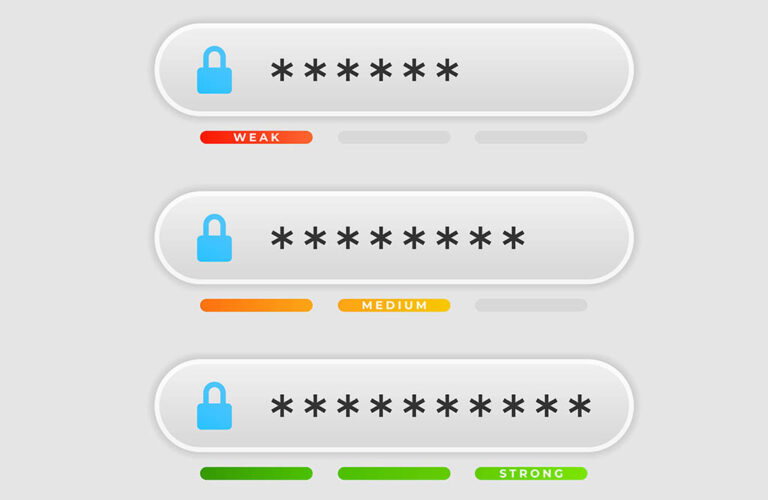
Stop Letting Weak Passwords Put Your Business at Risk!
Quick—how many passwords do you have to remember? Chances are, it’s more than you might expect… especially when you factor in both your personal ones and those you maintain for your business. After all, it is risky to the point of irresponsibility to repeat your passwords across accounts, especially those you maintain for your business.

Do You Need a Reason to Consider VoIP? Here’s Three
If you’re a smart manager, you’re always looking for ways to optimize spending and enhance your organization’s ability to be efficient. Voice over Internet Protocol (VoIP) isn’t just a trendy tech term; it’s a strategic financial move that can significantly impact your bottom line. Today, we get into how VoIP translates to real cost savings.